What players say
Monochrome Incredibox Music Maker is a charming and accessible music game. The black-and-white theme is visually appealing, and the drag-and-drop mechanics make it easy for anyone to start making music. With no ads and a family-friendly design, it is a safe choice for kids and adults. The ability to mix up to seven sounds and record your creations adds depth without complexity. It is a delightful experience for creative play.
About this game
Game Introduction
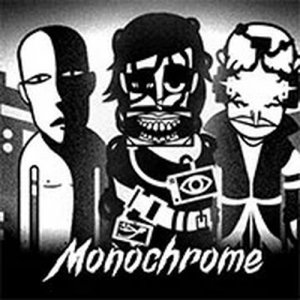
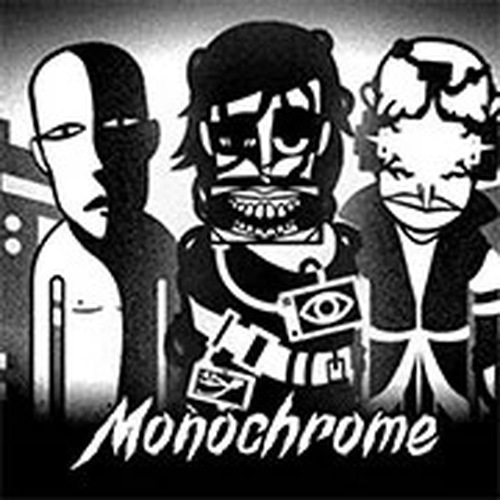
Monochrome Music Maker is a creative casual music game that invites you to become a beat maker in a stylish black-and-white world. The core objective is to compose your own tunes by combining different sounds, all through a simple and intuitive interface. What makes it unique is its monochrome visual theme, which strips away color to let you focus purely on the rhythm and melody. Designed for players of all ages, this game encourages musical exploration without any complex rules or instructions, making it a delightful experience for both kids and adults who want to express themselves through music.
How to Play
To play, you start by selecting from a lineup of characters displayed on the screen. The main interaction involves dragging and dropping various sound icons from a menu at the bottom onto these characters. Each character can hold one sound at a time, and you can mix up to seven sounds simultaneously to build your track. You can experiment with different combinations of beats, melodies, and effects to create a unique composition. The game also provides mute buttons to toggle individual sounds on or off, and a record function to save your final masterpiece. It is designed to be easy and fun, with no steep learning curve.
Game Features
Key features of Monochrome Music Maker include a drag-and-drop music creation system that makes composing accessible to everyone. The game is family-friendly and free to play, with no advertisements or hidden costs, ensuring a distraction-free experience. The monochrome art style provides a distinctive visual identity that sets it apart from other music games. Players can record their creations, allowing them to share or replay their favorite tracks. The interface is designed for simplicity, making it suitable for beginners while still offering enough depth for more experienced players to enjoy.
Tips for Success
To get the most out of Monochrome Music Maker, start by experimenting with different sound combinations to discover what works best together. Try layering a steady beat first, then add melodies and effects gradually. Use the mute buttons to isolate individual sounds and fine-tune your mix. Don't be afraid to try unusual pairings—some of the best tracks come from unexpected combinations. Practice regularly to develop your ear for rhythm and harmony. Finally, use the record feature to capture your work, then listen back to identify areas for improvement or simply enjoy your creation.